AI virtual try-on shows how an uploaded garment could look on the person in your photo. The outfit preview is not a physical fitting simulation.
 Doppl AI
AI Virtual Try-On: See Clothes on Your Own Photo
Add a person photo and a garment image. Create an outfit preview in your browser, then download the result.
Style
Product
Avatar
Preview clothes on your photo
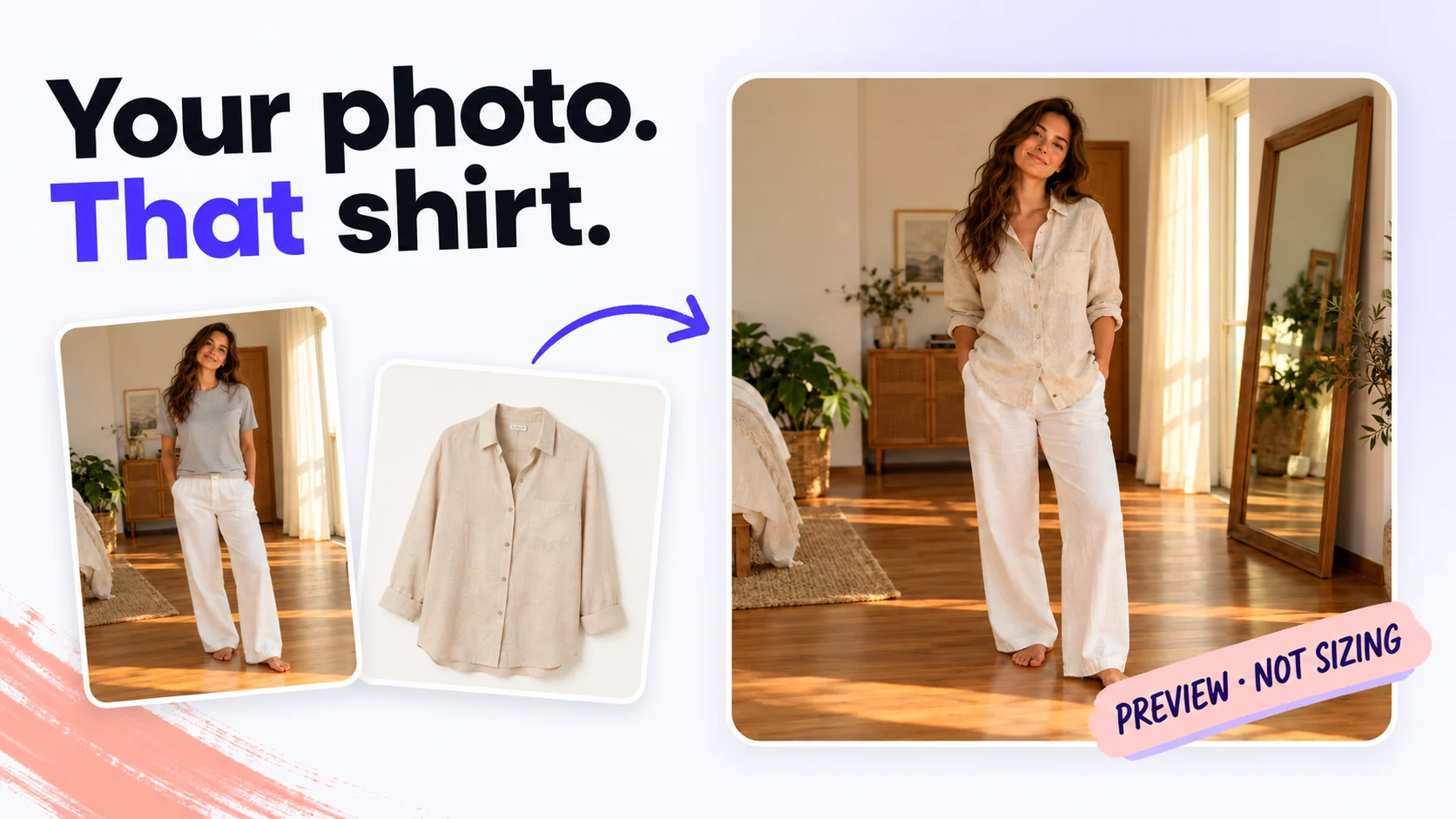
Preview a garment on yourself
Doppl AI virtual try-on dresses the person in your photo in the uploaded garment and returns an outfit preview; it does not judge size or fit.
Try on clothes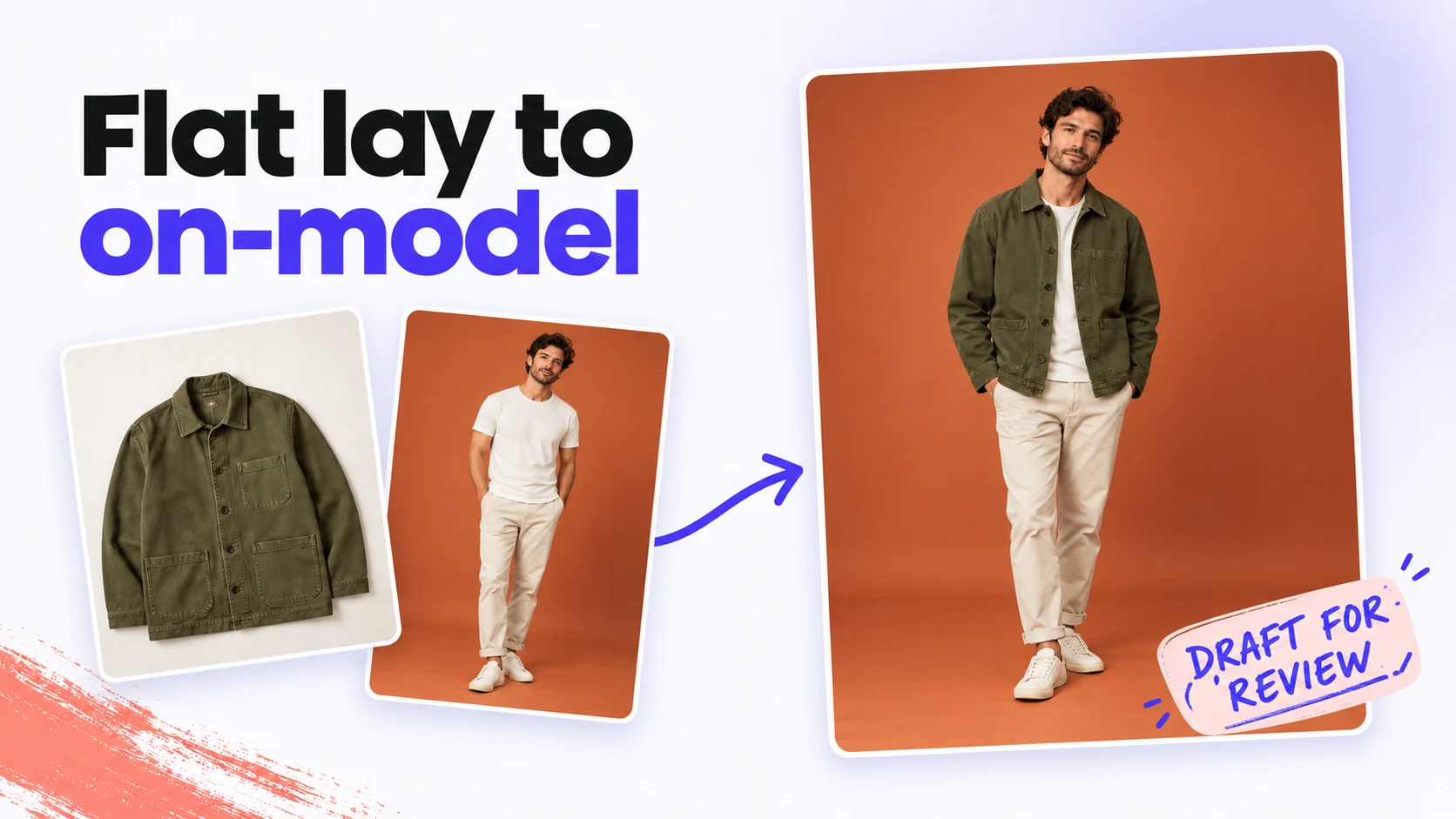
Turn flat lays into worn looks
Turn a single garment flat lay and an authorized model photo into on-model photos for a product listing.
Try on clothes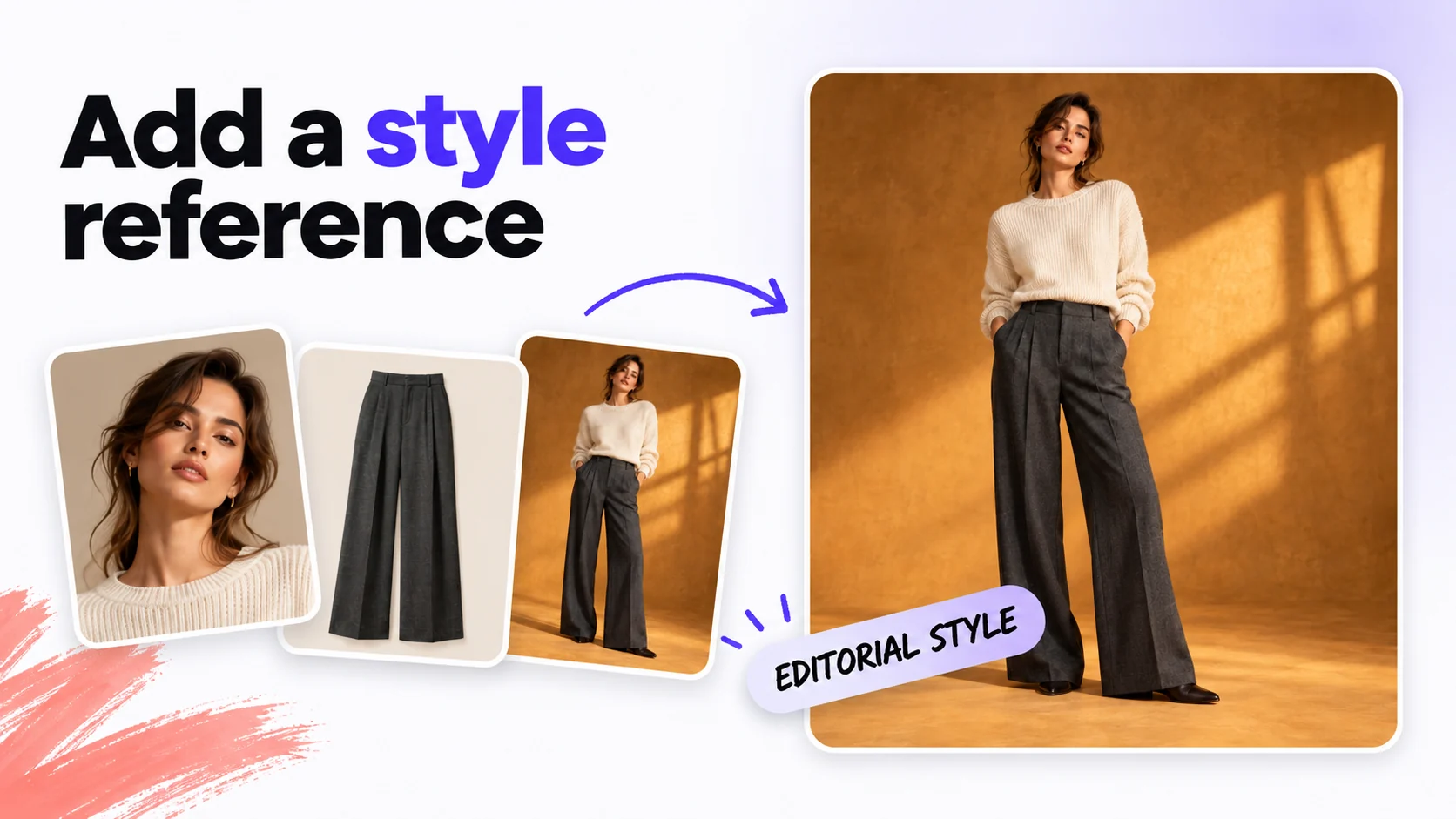
Style the outfit your way
Add a style reference or directions like "tucked in, sleeves rolled" alongside person and garment photos to see the outfit with that styling.
Try on clothesCreate an outfit preview in three steps
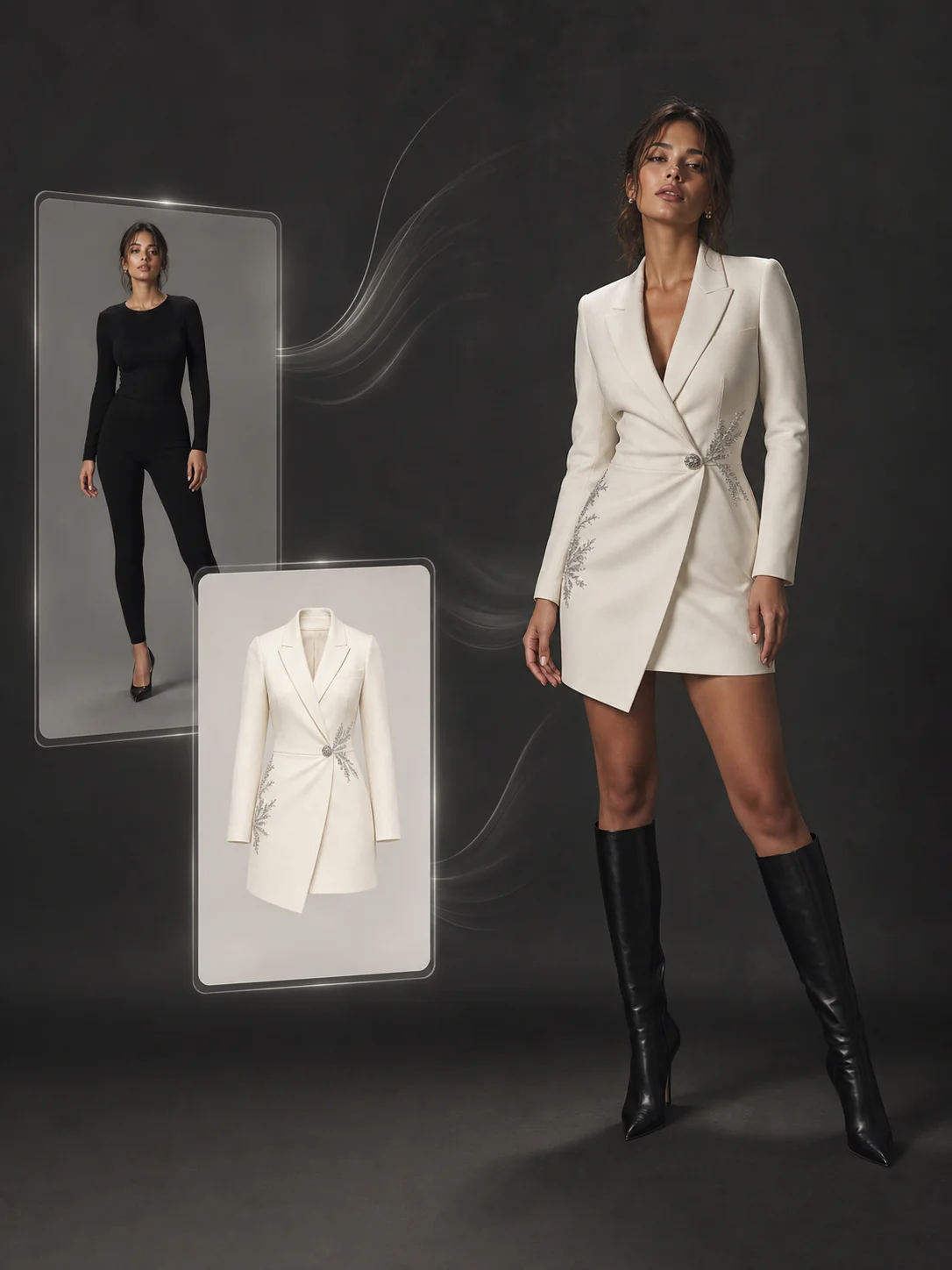
Explore outfits and product imagery
Tips for clearer outfit previews
Keep the person visible
Use an evenly lit, front-facing photo with the relevant body area visible. Avoid crossed arms and objects covering the outfit.
Show one garment clearly
Choose a product photo or flat lay with sleeves and edges in view. Use a simple background and try different garments in separate generations.
Give concrete styling directions
Add directions such as “tucked in, sleeves rolled” or an optional style reference. Keep the person and garment photos as the main inputs.
Inspect before you use the result
Check garment details, proportions and placement before downloading or publishing. Use the preview for styling, not to choose a size or confirm fit.
AI virtual try-on FAQ
Each try-on image costs 18 credits at 1K or 2K resolution and 24 credits at 4K. New accounts get 100 free credits, and paid plans add more.
Doppl adds no visible watermark to generated virtual try-on images.
Clear product shots of a single top, dress, trousers or jacket work best. Use one garment at a time. Busy flat lays with many items, heavy layering or extreme crops make the preview less reliable.
Yes. Doppl accepts person and garment photos from your camera roll in a mobile browser and generates an outfit preview. A stable connection helps with uploads and downloads.
Use clear, evenly lit photos with the person facing the camera and the garment fully visible. Crossed arms, heavy occlusion, extreme poses and layered clothing can make the result less reliable.
Results can change garment details, proportions and placement. Use the image to explore styling, not to measure your body, determine clothing size or guarantee fit.
AI virtual try-on previews appearance from photos. A fitting room lets you check actual fit, fabric and comfort. The generated image does not replace that check.
Try different garments in separate generations using the same person photo. Each generation accepts one garment image and one person photo, plus an optional style reference.
Uploads are used to generate your result and may be retained for task delivery, asset history and support. Processing may involve third-party providers. See the Privacy Policy for retention and deletion details.
Doppl virtual try-on images can be used commercially when you hold the rights to the person photo, garment photo and any style reference, subject to the Terms of Service and content policy.
Create your outfit preview
Add a person photo and a garment image, then generate your try-on preview.
Try on clothes